> For the complete documentation index, see [llms.txt](https://docs.rainmad.com/llms.txt). Markdown versions of documentation pages are available by appending `.md` to page URLs; this page is available as [Markdown](https://docs.rainmad.com/resources/pets.md).
# Pets
### Introduction
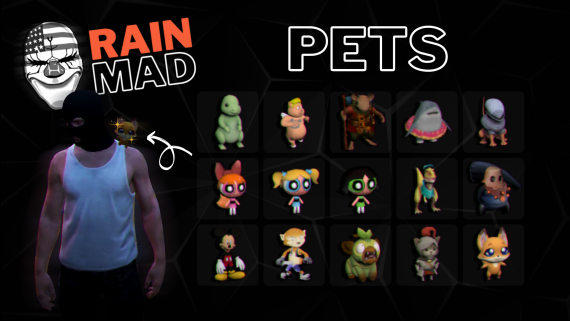
Welcome to the Pets installation guide! This script adds a fun and decorative pet accessory feature to your FiveM server, allowing players to customize their characters with various pet-themed accessories. Please note that this script is purely for cosmetic purposes and does not include interactive or gameplay elements. Before you begin the installation process, please read through this guide carefully to ensure a smooth setup and an enhanced visual experience for your players.
{% hint style="warning" %}
**Important Information**
* **Pre-Installation Note:** This guide assumes you have a basic understanding of FiveM server management. If you are not a developer or are unfamiliar with server configurations, please follow the steps closely. Any errors during installation could lead to script malfunctions or server issues.
* **Support:** If you encounter problems after installation, check the "Common Questions" section at the end of this guide for solutions. For further assistance, you may need to consult with a developer or reach out to the script’s support team.
{% endhint %}